Adjust Motion
For takes where the content is right but the feel is off - the classic case
being an idle where the character breathes and sways too fast or too
much. Output suffix: *_Adjusted.
Two independent knobs, both defaulting to 1.0 (no change):
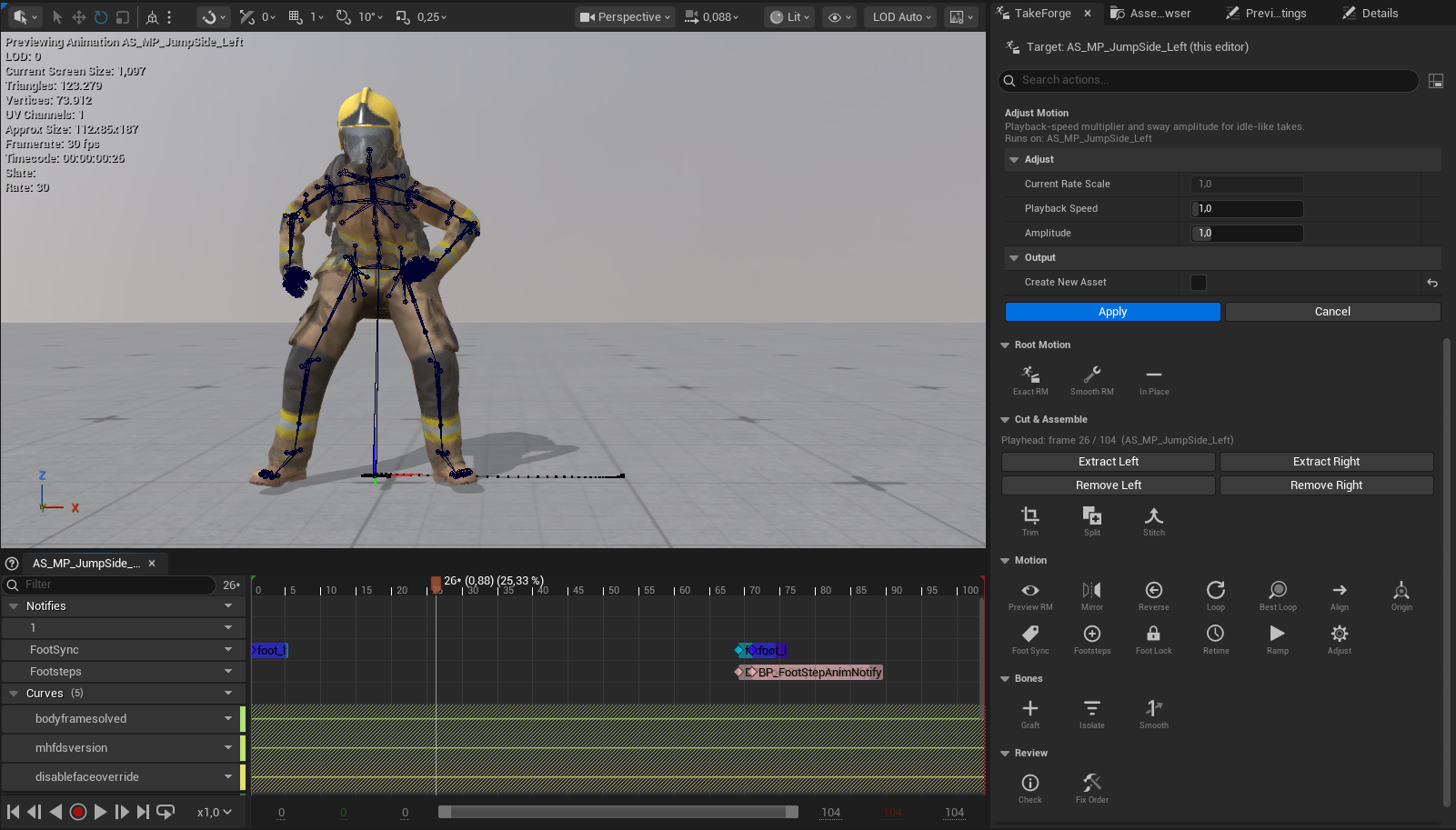
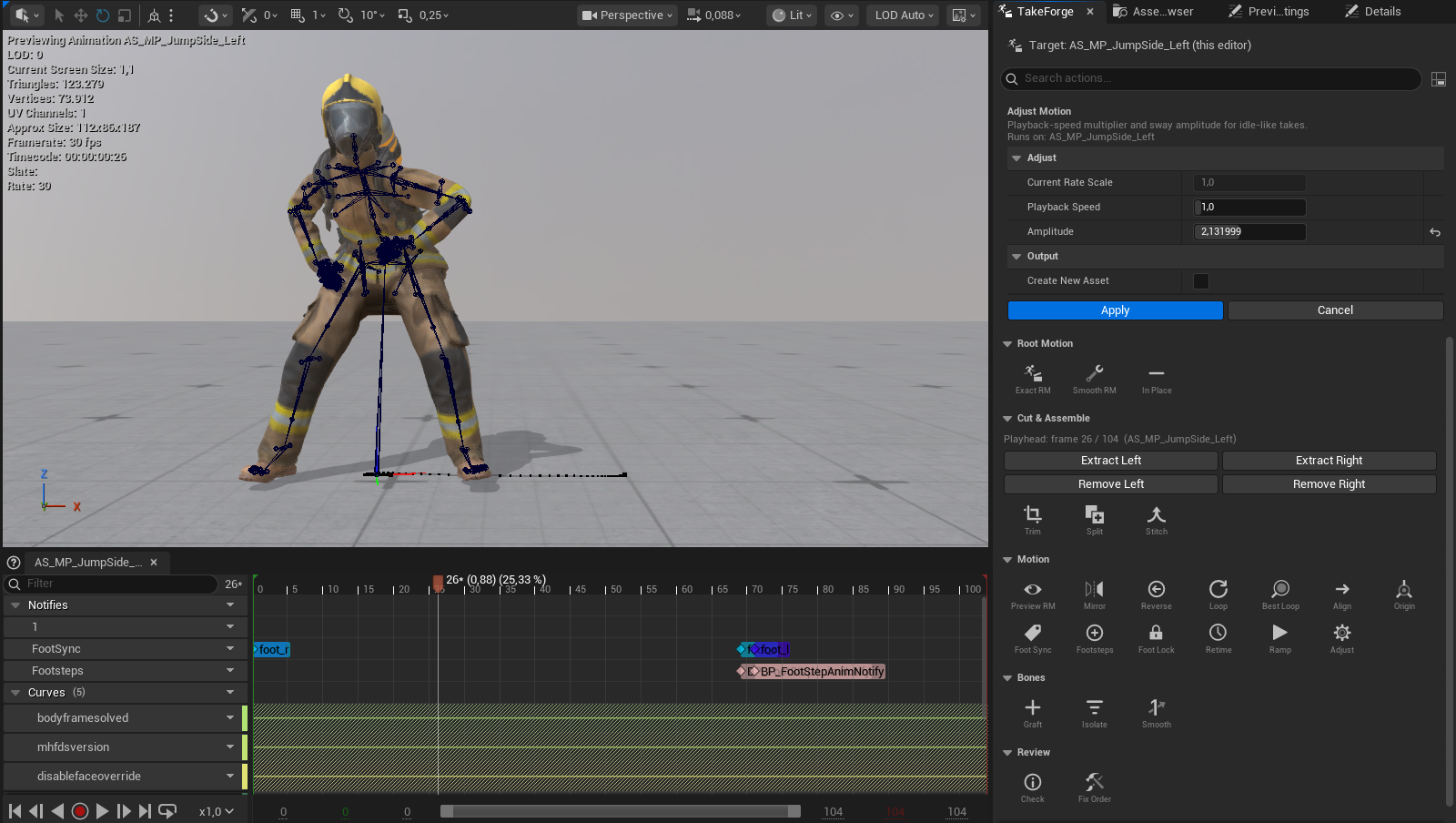
Playback Speed
A multiplier on the asset's Rate Scale: 0.8 plays the take 20% slower
(calmer breathing rhythm), 1.2 speeds it up.
This is the idle-friendly sibling of Retime to Speed: Retime targets
an exact travel speed and therefore needs a take that travels - Adjust Motion
just multiplies playback, so it works on stationary takes. The dialog shows the
clip's current Rate Scale so repeated adjustments stay legible, and the
RootMotion_Speed curve (if present) is rescaled to stay truthful.
Amplitude
Scales how far every bone deviates from its average pose over the clip, while the base pose itself stays put:
0.7- dampens sway, breathing rise, weight shifts by 30%1.3- exaggerates the motion (careful past ~1.5; joints can overshoot)0.0- freezes the character at its average pose (a cheap "derived idle pose")
Per bone, the clip-average translation and rotation are computed, then each frame's offset from that average is scaled - rotations via axis–angle so exaggeration above 1.0 behaves correctly. The root bone is excluded, so root-motion travel is never damped by an amplitude change.
On a traveling clip the pelvis's "deviation from average" includes the travel, so scaling amplitude would compress the walk itself. Convert to in-place first (or only adjust idles/stationary takes).
Typical recipes
| Problem | Setting |
|---|---|
| Idle breathes too fast | Playback Speed 0.8–0.9 |
| Idle sways too much | Amplitude 0.6–0.8 |
| Idle is lifeless | Amplitude 1.2–1.4 |
| Both too fast and too big | Speed 0.85 + Amplitude 0.75 in one pass |
Scripting: unreal.TakeForgeLibrary.adjust_motion(seq, speed_factor, amplitude_factor).