Align Travel Direction
Mocap actors never walk perfectly straight. A "forward walk" take usually drifts a few degrees - and a blendspace built from clips that each travel in a slightly different direction produces curved or crab-walking blends.
Align Travel Direction rotates the whole take around its starting point
so the net travel runs exactly along your chosen forward axis. Output suffix:
*_Aligned.
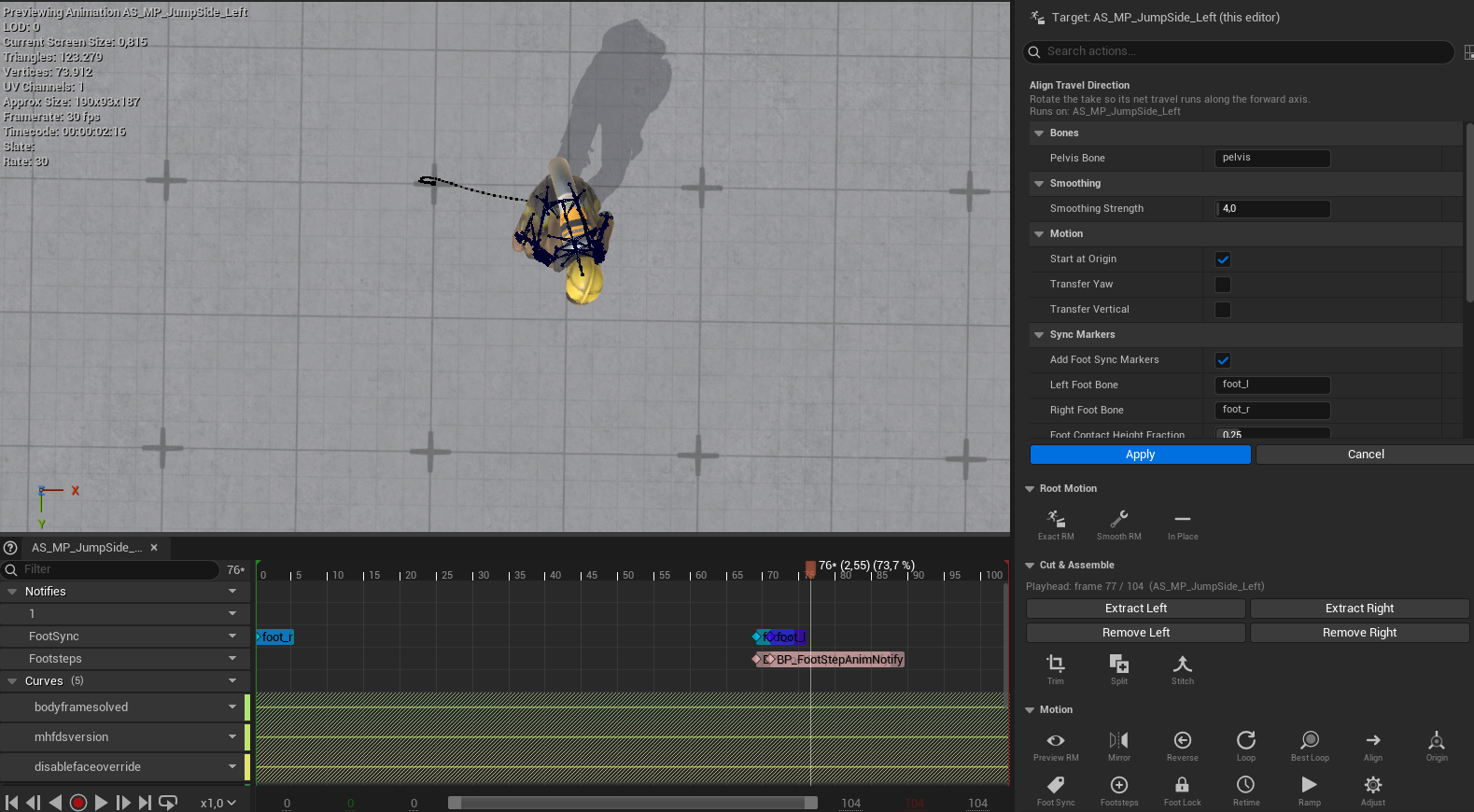
Before - the actor drifted through a curve, travel angling off axis:
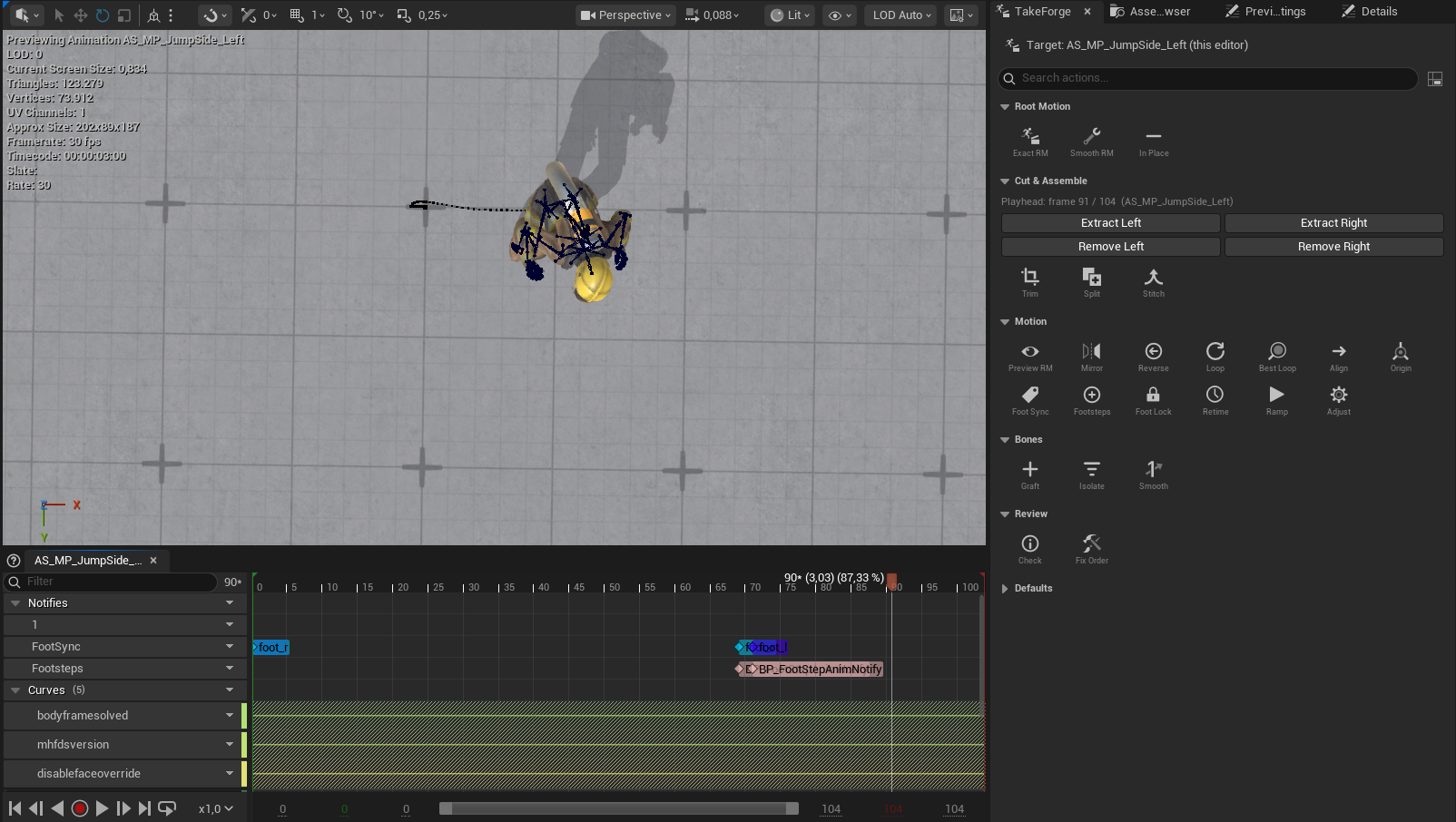
After - the same take, net travel running straight along the forward axis:
What it does
- Measures the net ground-plane displacement of the pelvis from first to last frame.
- Computes the angle between that direction and the configured Forward Axis (+X by default, +Y selectable in Settings).
- Rotates the root track - and with it the entire character, facing included - about the take's start position by that angle.
The completion notification reports the correction, e.g. "travel rotated 4.3° onto +X".
Notes
- Requires at least 10 cm of net travel; idle takes are rejected with a clear error rather than spun arbitrarily.
- Rotation happens about the start point, so a clip that begins at the origin stays at the origin.
- Order matters in pipelines: align before creating root-motion or in-place outputs, so the smoothed root path and the removed-travel direction are both straight. Typical chain:
Raw take -> Align Travel Direction -> Smoothed Root Motion
                                   -> In Place
- Only the net direction is corrected. A take that genuinely curves keeps its curve - the start-to-end line is what gets aligned to the axis.